Automatic mileage tracking.
Easy claim submission
.
Every trip logged. Every claim ready to submit. WhizzFlow tracks your drives via GPS, files them into a reimbursement or tax-deduction report, and lets you submit with one tap — from the mobile app or any browser.
Free to use — no credit card required
 Auto-Track
 Easy Claims
 Receipts
 Phone + Web
Track. Claim.
Done.
Automatic mileage logging, one-tap claim submission, AI receipt scanning — on your phone or in your browser.
Auto-Track Every Mile
GPS-accurate trip detection. No start button. Every drive logged automatically and classified as business, commute, or private.
Submit Claims in One Tap
Your monthly reimbursement or tax-deduction report, generated automatically. Submit to your employer or tax authority with one tap.
Scan Any Receipt
Snap a photo. AI reads merchant, amount, VAT, and category in seconds — then attaches it to your trip or expense claim.
Phone or Desktop
Use the mobile app on the road. Log in on any browser at home. Everything syncs — your data lives with your account, not the device.
Every mile, automatically.
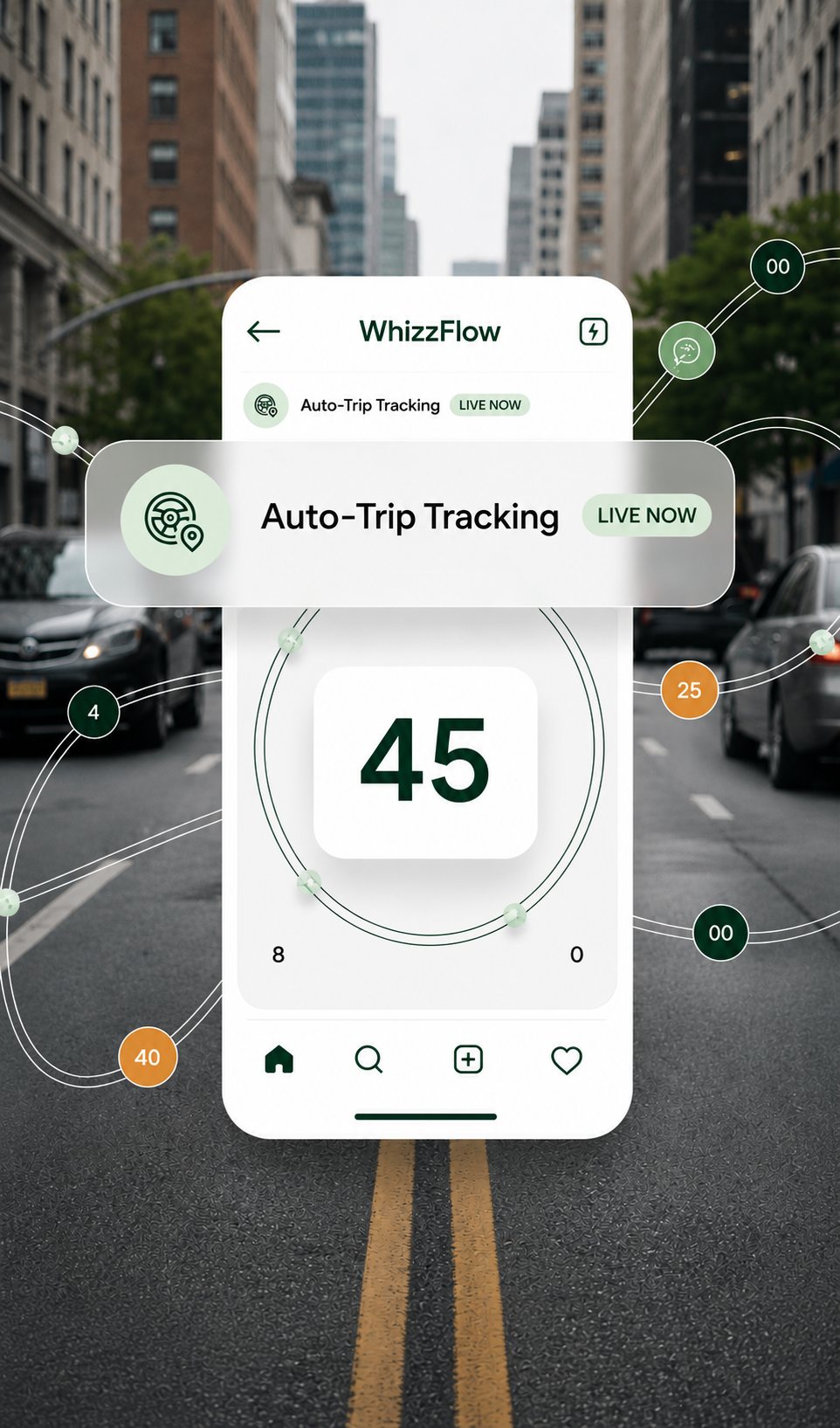
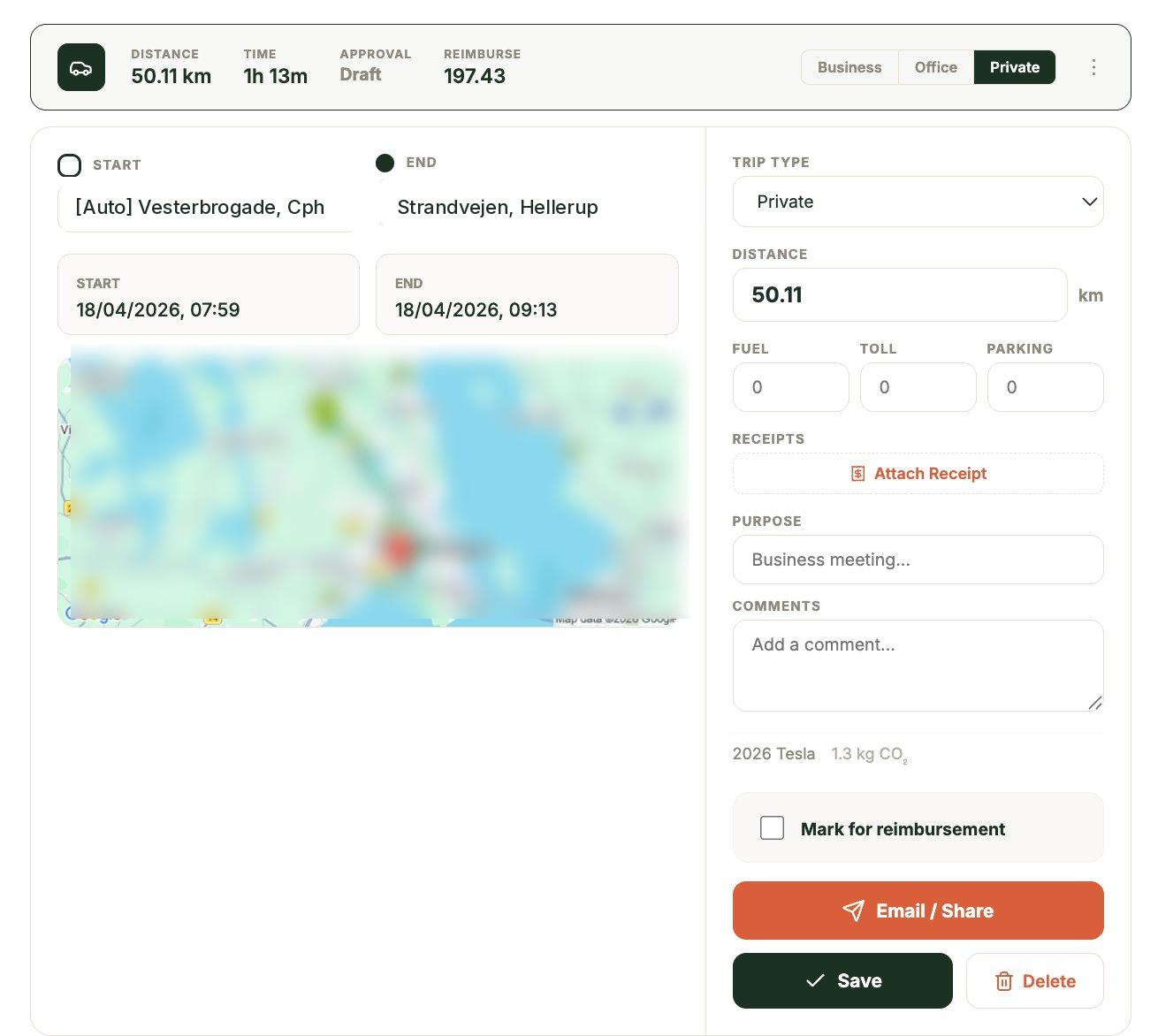
No "start trip" button. Drive, and WhizzFlow captures it. Smart GPS detects when you set off, logs the route, and classifies the trip as business, commute, or private — ready for your monthly reimbursement claim or tax return.
- Auto-detects start & end. No taps required.
- Applies your country's official mileage rate.
- Business, commute, and private trips separated automatically.
- Export a formal logbook in one click.
One tap. Claim submitted.
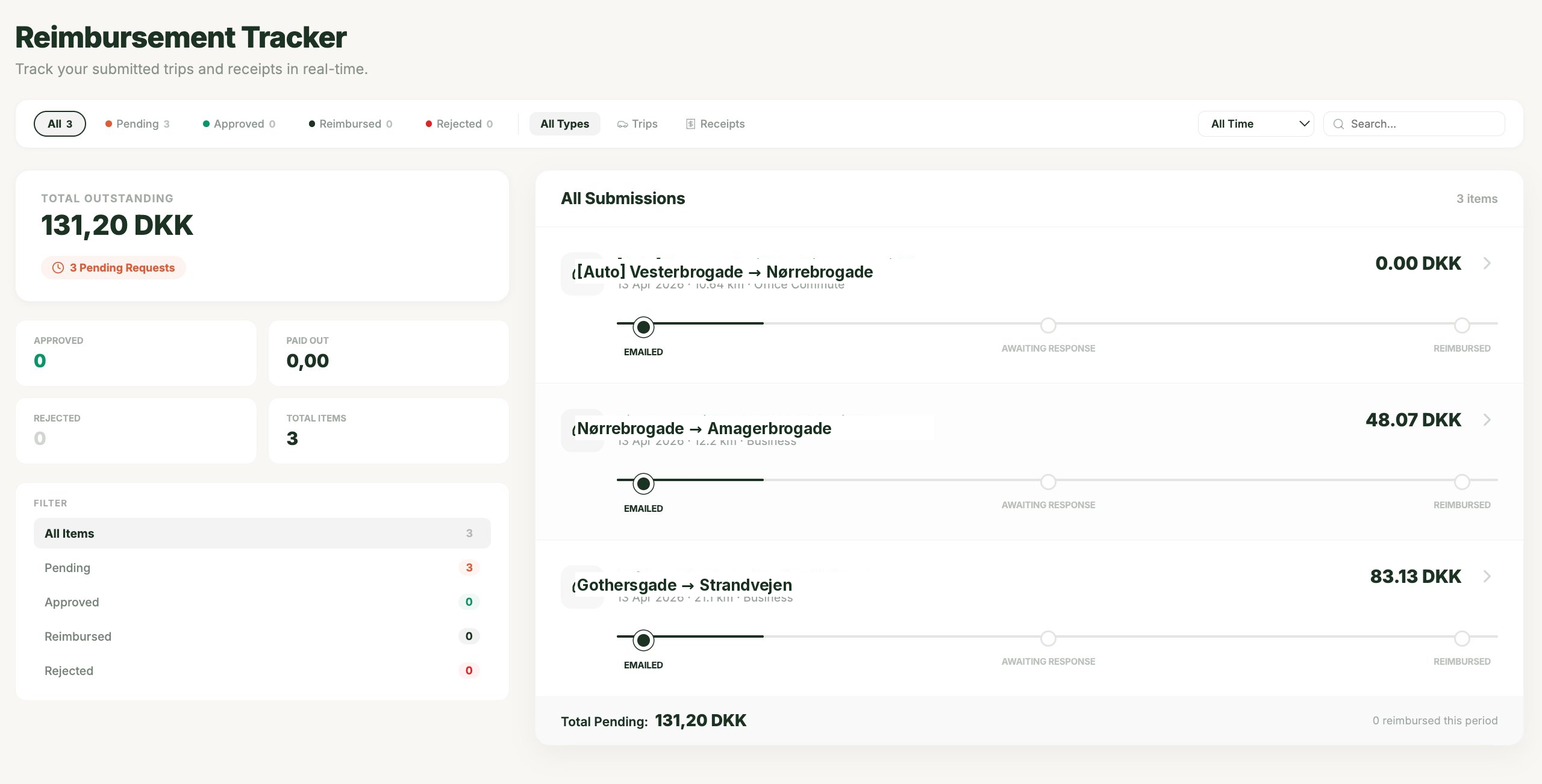
Every trip and receipt consolidates into a monthly reimbursement or tax-deduction report — ready to send to your employer, your accountant, or your tax authority. WhizzFlow generates the exact format each of them expects.
- One-tap monthly reimbursement claim.
- Tax-return-ready mileage report.
- Submit by email or export as PDF, CSV, or Excel.
- Track approval status from submitted to reimbursed.
Snap. Scan. Done.
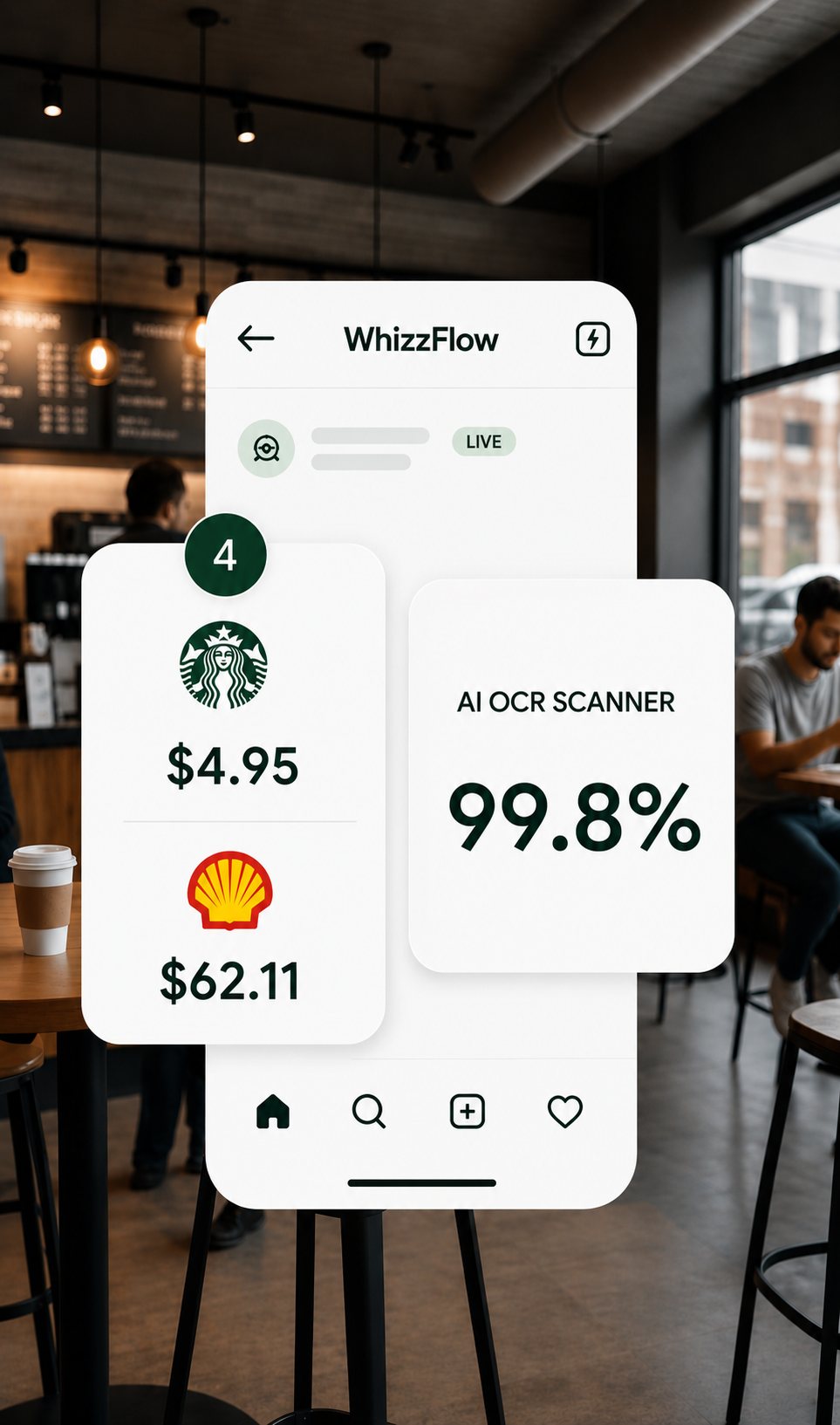
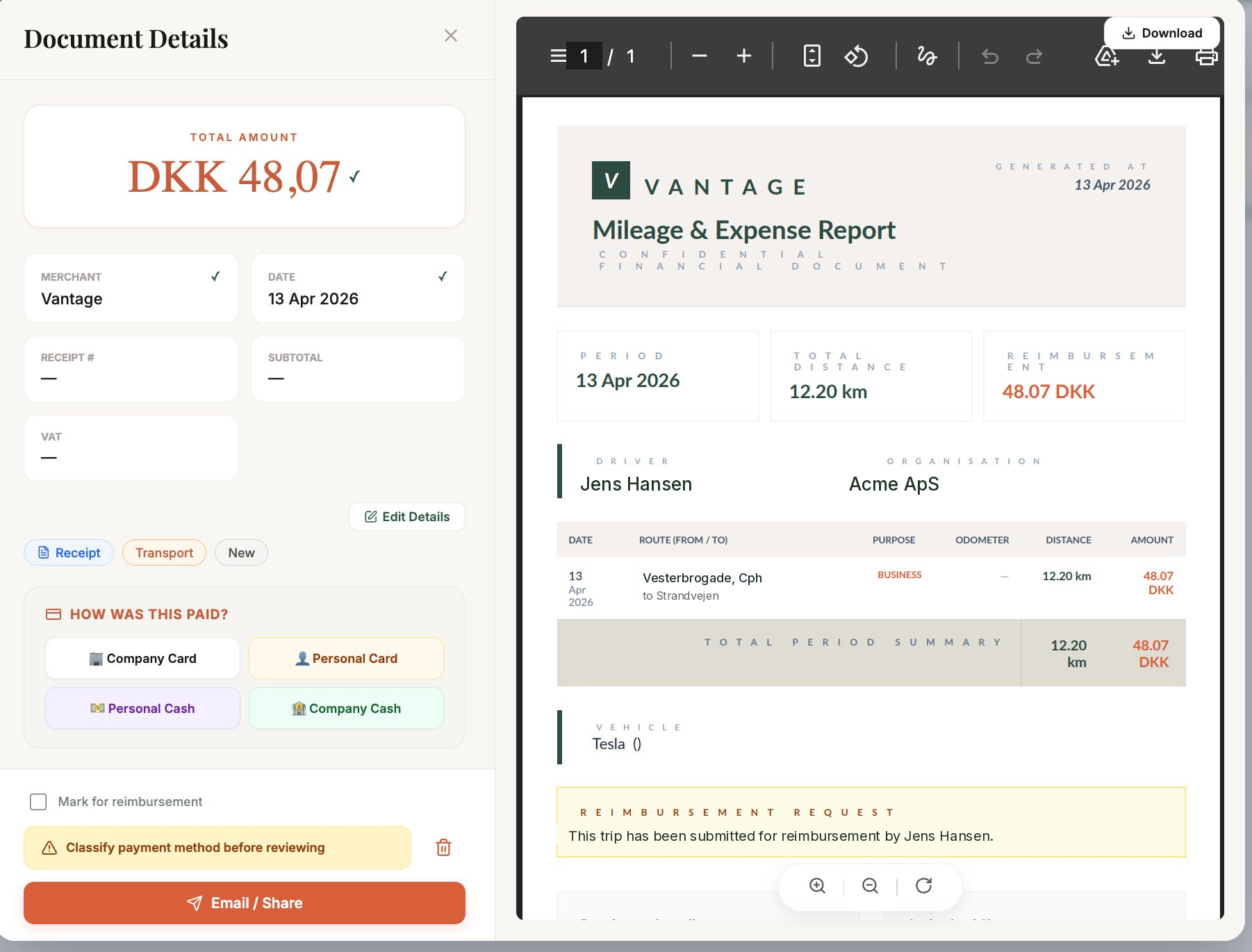
Photograph any receipt — crumpled, faded, hand-written totals. AI reads the merchant, amount, VAT, date, and every line item in two seconds. Attach it to a trip or expense claim right from the same screen.
- Works on any receipt — printed, thermal, hand-written.
- Extracts VAT for tax deductions.
- Attach to a trip or expense in one tap.
- Store the image; keep the paper trail digital.
Phone or desktop. You choose.
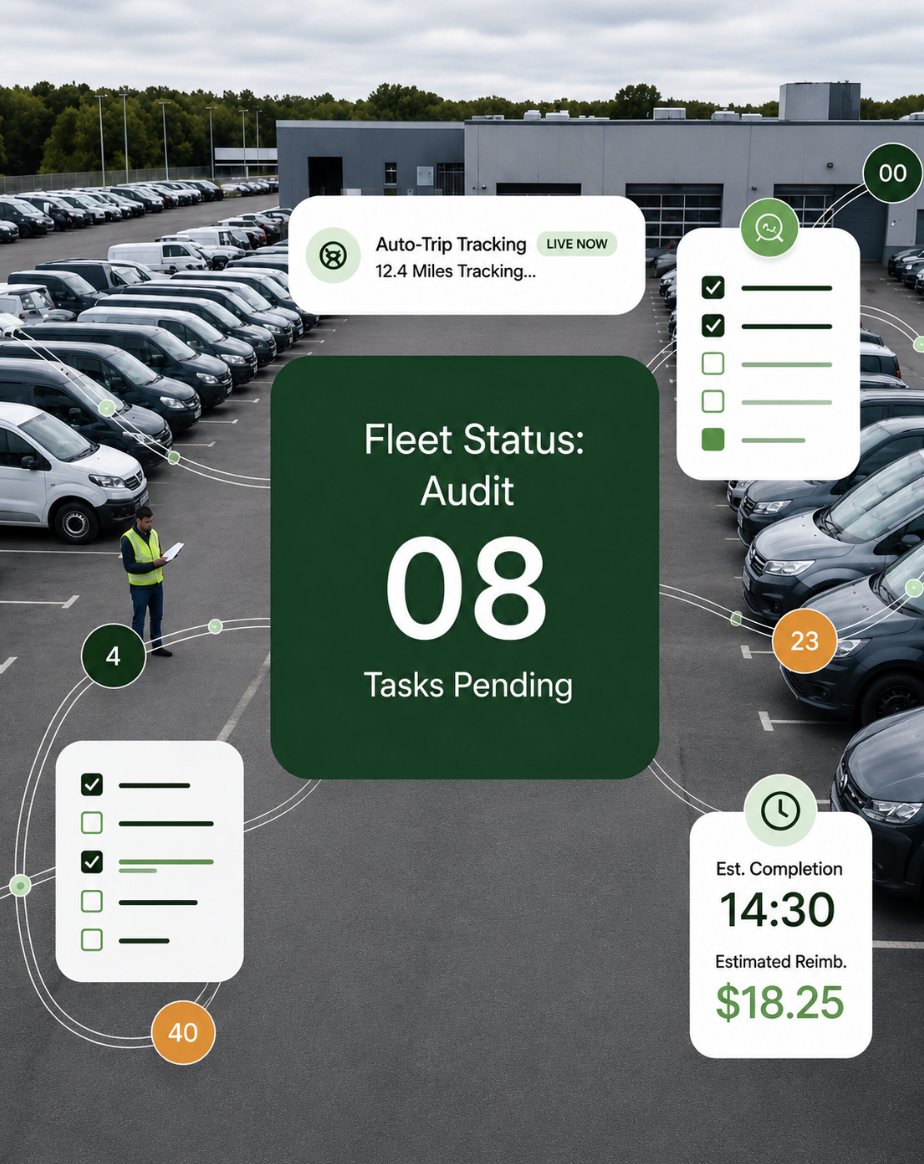
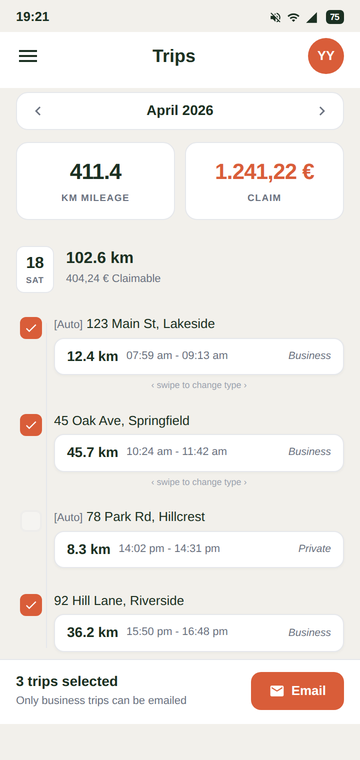
Log a trip from the car with the mobile app. Scan a receipt at the counter. Review your monthly claim on your laptop at home, and submit it from any browser. Everything syncs in real time — your data lives with your account, not the device.
- Native iOS and Android apps.
- Full web app in any browser — no install required.
- Auto-sync across every device in real time.
- Sign in on a new device and pick up right where you left off.
Everything else you'd expect —
and things you didn't.
Smart Budgets
Set monthly limits by category. Live alerts before you overspend — not after.
National Benchmark
Your monthly spend next to the national average, household-adjusted using OECD scales.
AI Assistant
Chat with your data. "How much did I spend on fuel in March?" — instant answers in plain English.
Voice Input
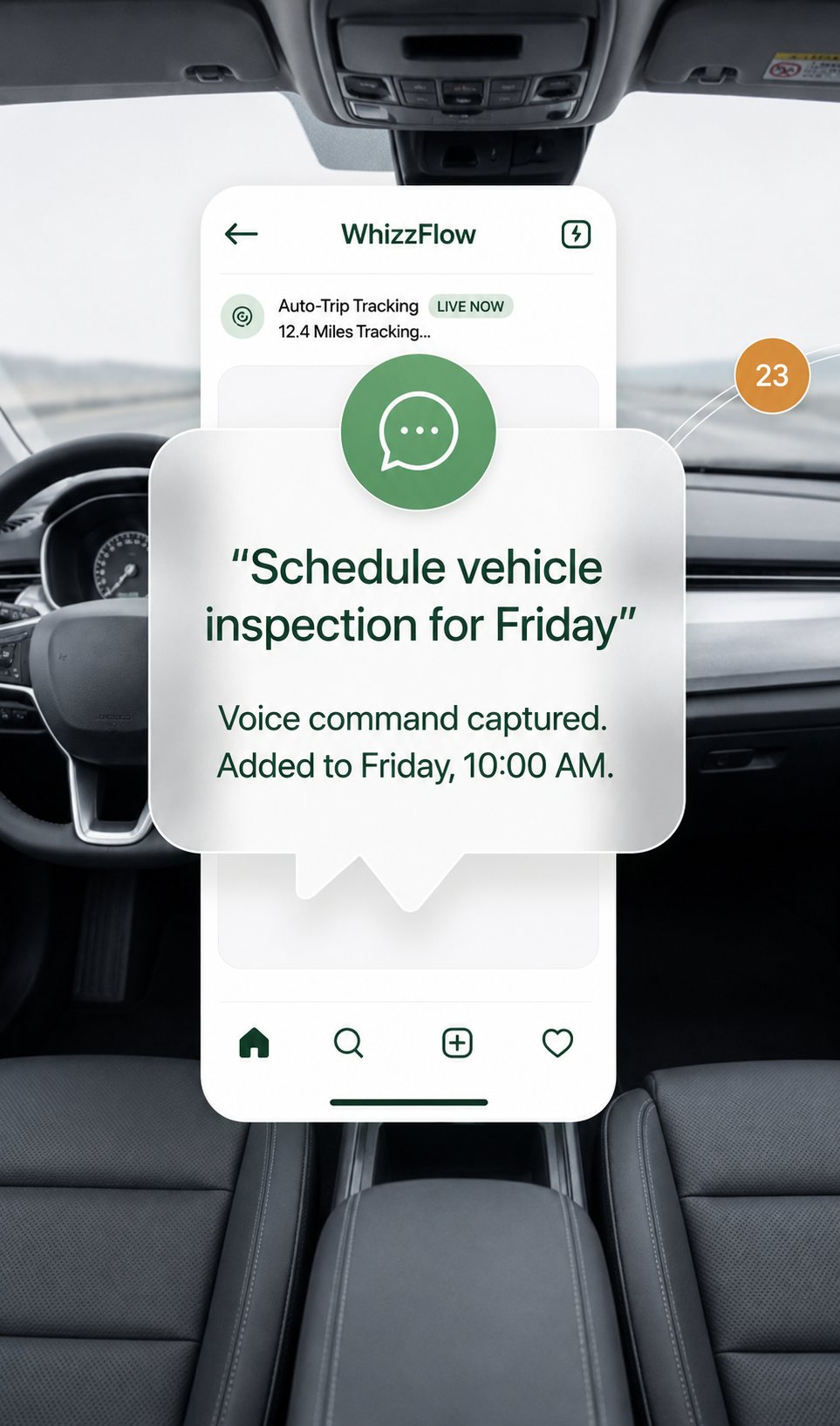
Log expenses and trips by speaking. Hands-free while driving.
Bank Statement Import
Upload PDF, CSV, or Excel. AI decodes cryptic transaction descriptions and categorizes them.
Multi-Currency
Traveling? Every transaction converts using the daily ECB rate.
Questions, answered.
Is WhizzFlow really free for individuals?
Yes. The individual plan is free forever — no credit card, no trial period. Every core feature (automatic GPS mileage tracking, receipt scanning, claim submission, iOS + Android apps, web app) is included at no cost.
How does automatic mileage tracking work?
WhizzFlow uses your phone's GPS and motion sensors to detect when you start driving. It logs the route, distance, duration, and start/end locations automatically — no need to press "start trip." When you stop, the trip is saved and classified as business, commute, or private based on your rules.
Can I submit reimbursement claims through WhizzFlow?
Yes. Every business trip and receipt consolidates into a monthly reimbursement report you can submit to your employer in one tap. WhizzFlow tracks the status from submitted → manager-approved → reimbursed, so you always know where your claim stands.
Can I use WhizzFlow for my tax return?
Yes. WhizzFlow generates a formal mileage logbook and expense report you can hand to your accountant or file yourself. The format meets the record-keeping requirements of most tax authorities — date, distance, purpose, start and end location, and vehicle info are all captured per trip.
Does WhizzFlow work on iPhone, Android, and desktop?
All three. Native mobile apps for iOS and Android handle the automatic tracking. The full web app runs in any browser — log trips, review claims, and submit reports from your desktop at home or your laptop at the office. Everything syncs in real time across every device.
What if I forget my phone or don't have the app on a trip?
You can add trips manually from the mobile app or the web app — enter the date, start and end address, and purpose. WhizzFlow calculates the distance from Google Maps and applies your country's official mileage rate automatically.
Your last mileage spreadsheet.
Create your free account and start tracking in under 2 minutes. Automatic tracking, one-tap claims — on your phone or in your browser.